
How do favorites work on Reswell?
Save listings you are eyeing, compare them later, and jump back to buy when the timing is right.
Reviewed September 14, 2026
Quick answer
Tap the heart on any listing to save it. Open Favorites from the profile menu or /dashboard/favorites. Sold listings stay on the list with a sold badge.
Saving a listing
Tap the heart on any listing to save it. Your saved listings live in Favorites, your personal shortlist of gear you are thinking about.
You need to be signed in to save favorites. Browsing without an account? You will be prompted to sign in or create one first.
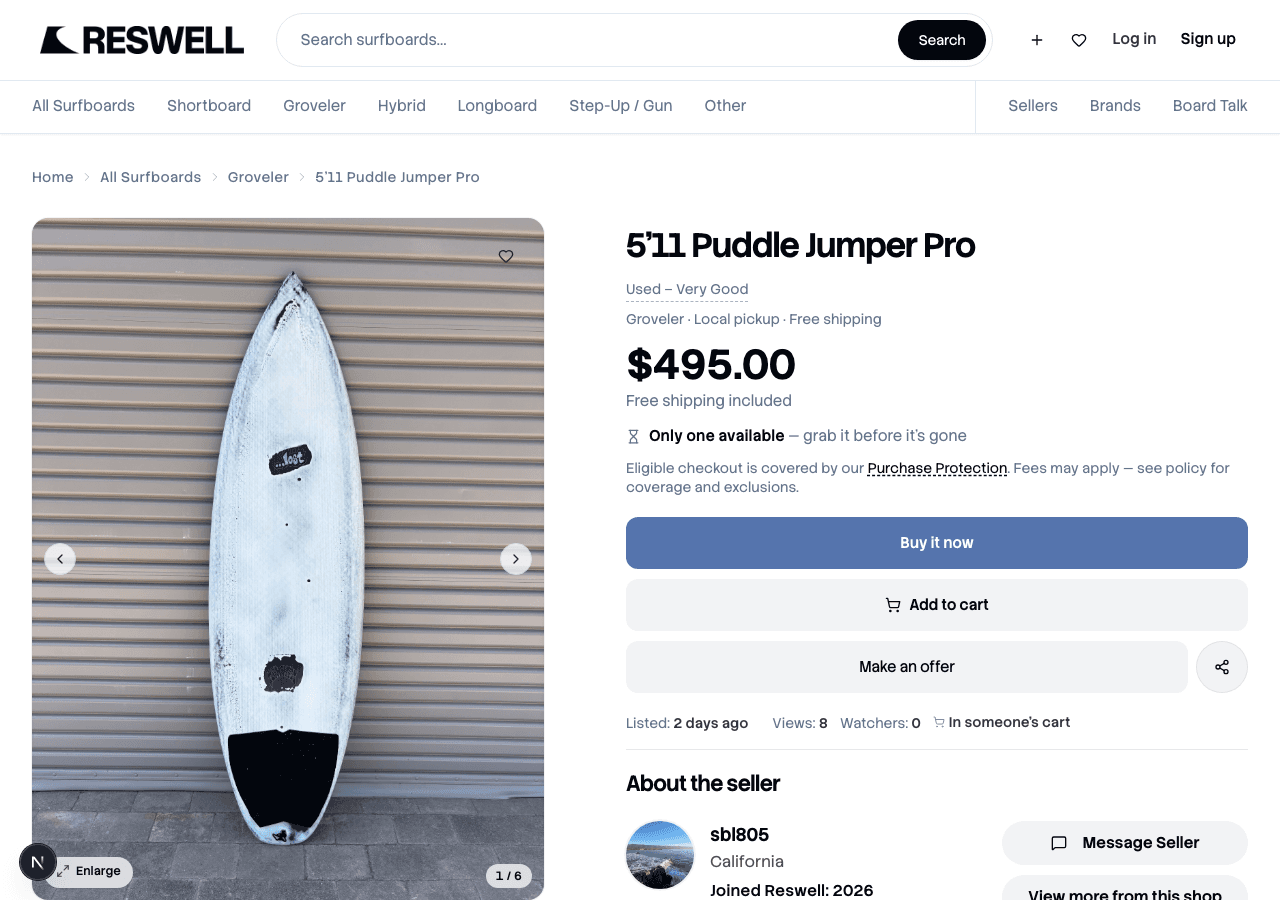
Managing your list
Open Favorites from your profile menu or dashboard to see everything you have saved. Tap a listing to go back to it, or tap the heart again to remove it.
- Compare listings before you commit to an offer or purchase.
- Check back for price drops or status changes.
- Sold listings stay in your list with a sold badge so you can reference them later.
Ready to buy?
Open a saved listing and use Buy it now, Make an offer, or Message Seller, same as any active listing. For the full walkthrough, see How do I buy on Reswell?.
Related articles
Still need help?
Search didn't cover it? Open a case with the team — we read every message. For a specific purchase or sale, start from the order and tap Get help.