
How do I buy on Reswell?
Find boards, fins, wetsuits, and more, check out with Buy it now or the cart, and stay covered by Purchase Protection. You can also message the seller or make an offer first.
Reviewed September 14, 2026
Quick answer
Find a listing
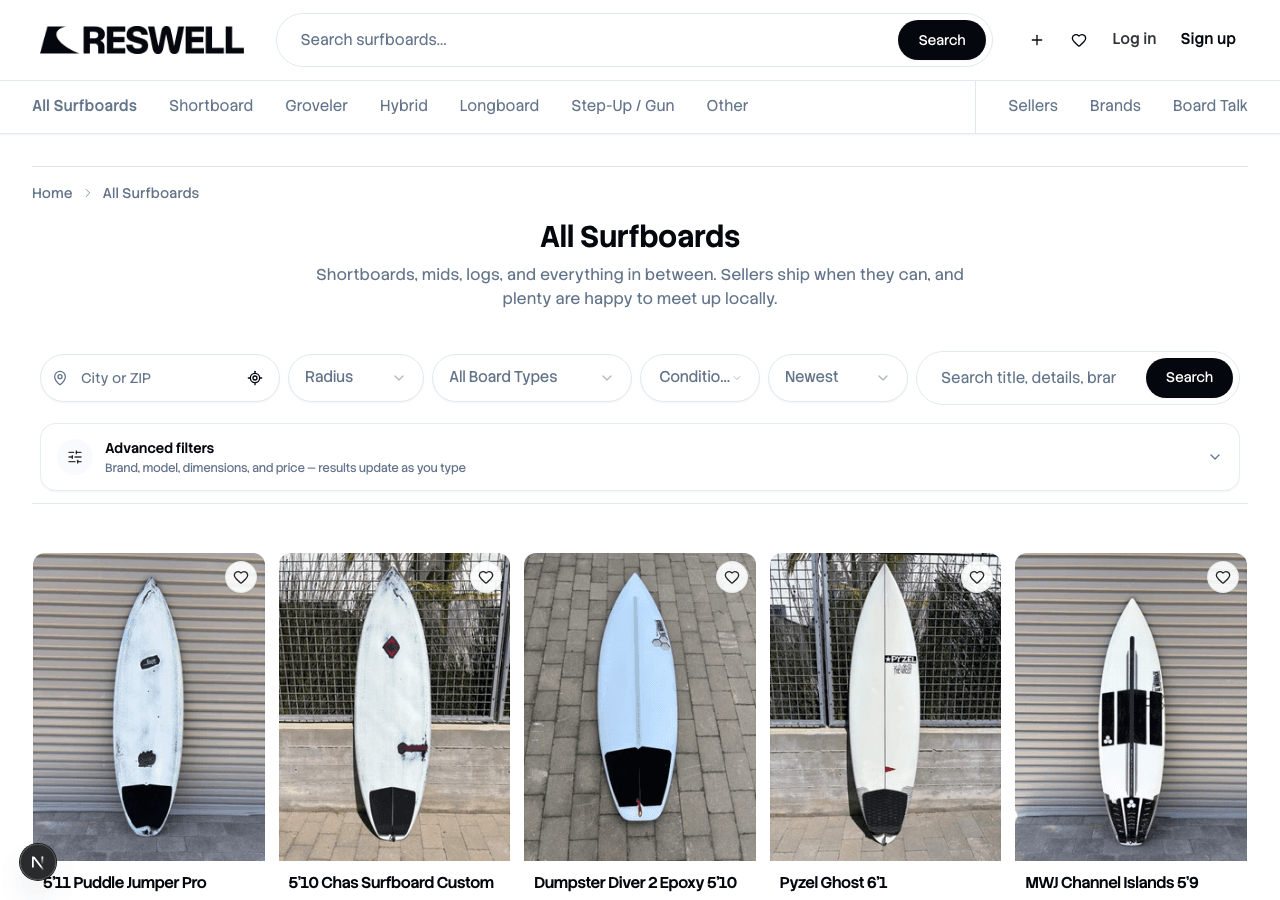
Start on Surfboards or browse fins, traction, wetsuits, boardbags, surfpacks, leashes, apparel, accessories, and magazines. Use search and filters to narrow by brand, size, and price. Looking for a specific board that is not listed yet? Save it on Board Finder and we will email you when a match is listed. Tap any active listing to see photos, details, condition notes, and how the seller can get the item to you.
See something you like? Tap the heart to save it to Favorites and come back when you are ready.
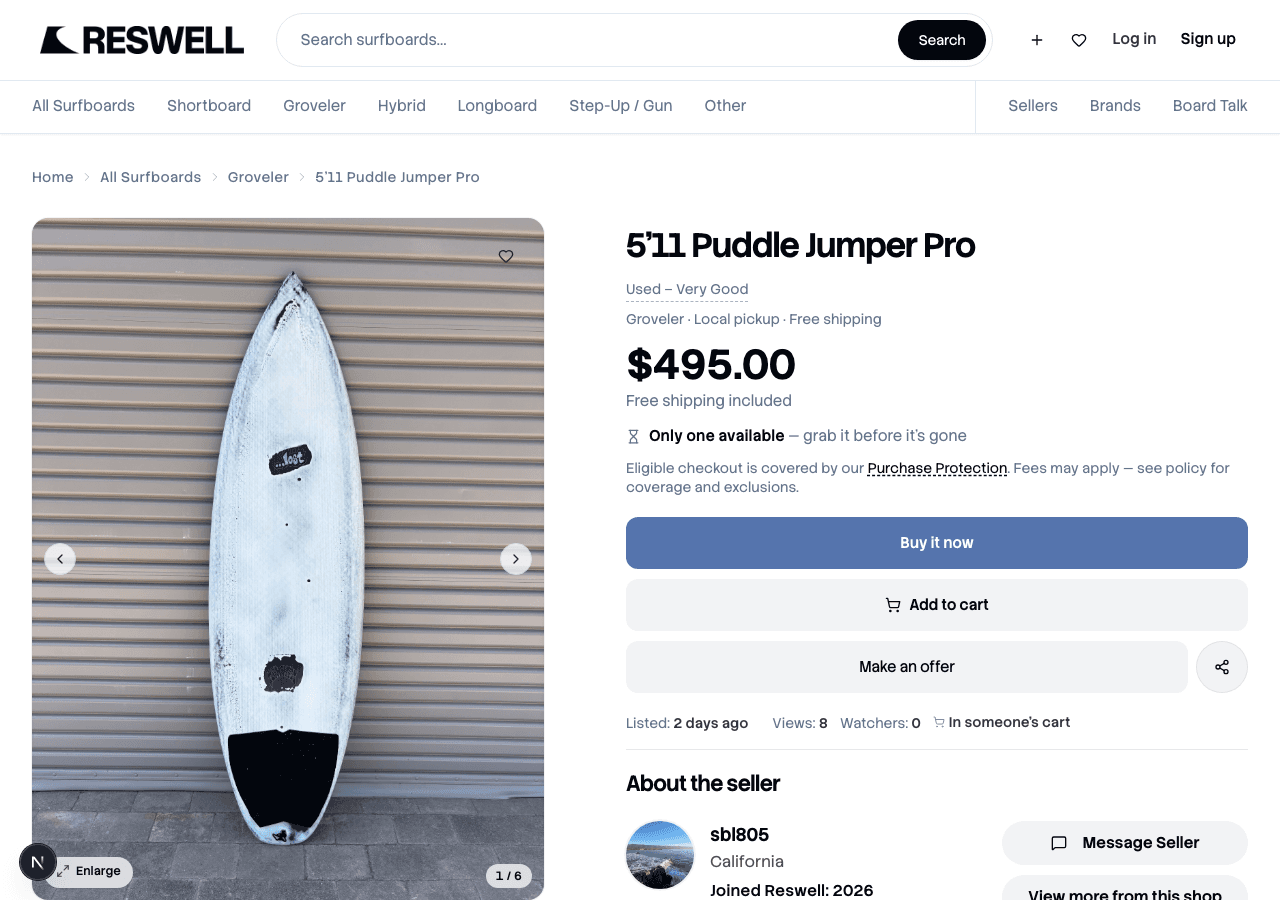
Buy it now
When you are ready, tap Buy it now on the listing — or Add to cart and continue from Cart. Checkout is where you pick how you will get the item (if the seller offers both pickup and shipping), confirm your details, and pay through Stripe.
Sign in
You need a Reswell account so we can connect your purchase to Purchase Protection and your order history.Choose how you will get the item
Pick Local pickup to meet the seller in person, or Ship to me when shipping is available. Our guide on pickup vs shipping walks through each option.Pay in checkout
Review your order and tap Pay now. You can pay by card, Link, or Klarna through Stripe. More on payment methods.Track your purchase
After you pay, open Purchases to follow shipping, coordinate pickup, or get help if something goes wrong.
Not ready to buy yet?
Tap Message Sellerin the About Seller section to ask about condition, what's included, or pickup timing. If the seller has offers on, tap Make an offer to negotiate. Read How do offers work on Reswell? for the full rundown.
Related articles
Still need help?
Search didn't cover it? Open a case with the team — we read every message. For a specific purchase or sale, start from the order and tap Get help.