
How do offers work on Reswell?
Make an offer on a listing, respond to counteroffers, and check out at the price you and the seller agree on.
Reviewed September 14, 2026
Quick answer
When you can make an offer
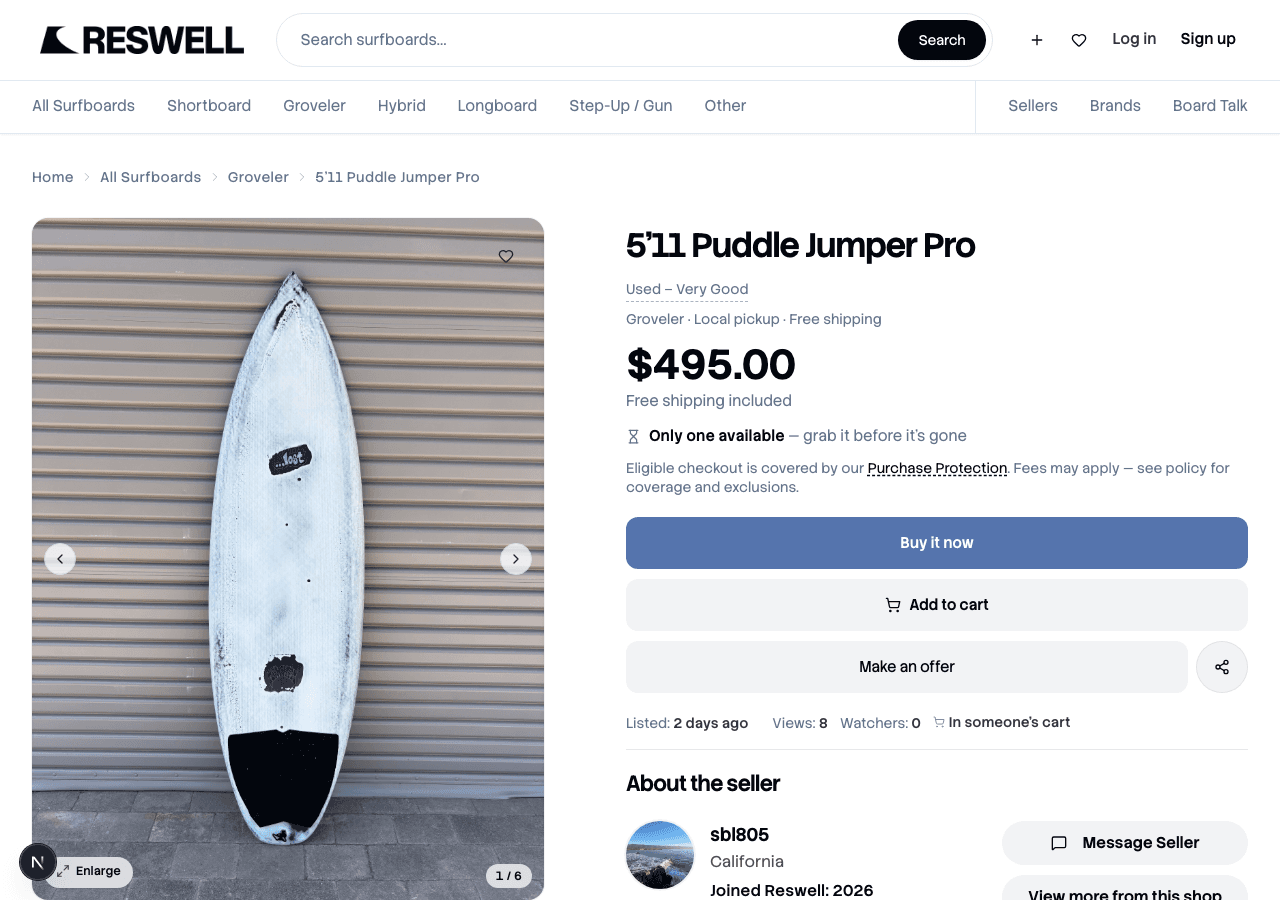
Offers work on active peer listings when the seller has turned them on. You can have one open offer per listing at a time. Most sellers set a minimum around 70% of the list price, and the Make an Offer dialog shows you the floor before you submit.
- Pick Shipped or Local pickup in the offer dialog.
- Enter your offer or tap a quick discount like 5% off or 10% off.
- Add a short note to the seller if you want (up to 200 characters).
- Tap Submit offer. The seller has 48 hours to respond before it expires.
What happens after you submit
Your offer shows up in Messages and on Offers under I made. From there the seller can:
- Accept your offer so you can move on to checkout.
- Counter with a different price (up to three counters per thread).
- Decline, which ends the negotiation. You can submit a new offer later if the listing is still active.
If they counter, open the thread and tap Accept or Decline on the counteroffer message. Accepting saves the agreed price for checkout. You are not charged until you actually pay.
Paying after an offer is accepted
Once you agree on a price, go back to the listing and tap Buy it now. Checkout applies the agreed price automatically. Shipping (if you chose delivery) and any taxes get added when you pay.
Related articles
Still need help?
Search didn't cover it? Open a case with the team — we read every message. For a specific purchase or sale, start from the order and tap Get help.